
What Is Organize PDF?
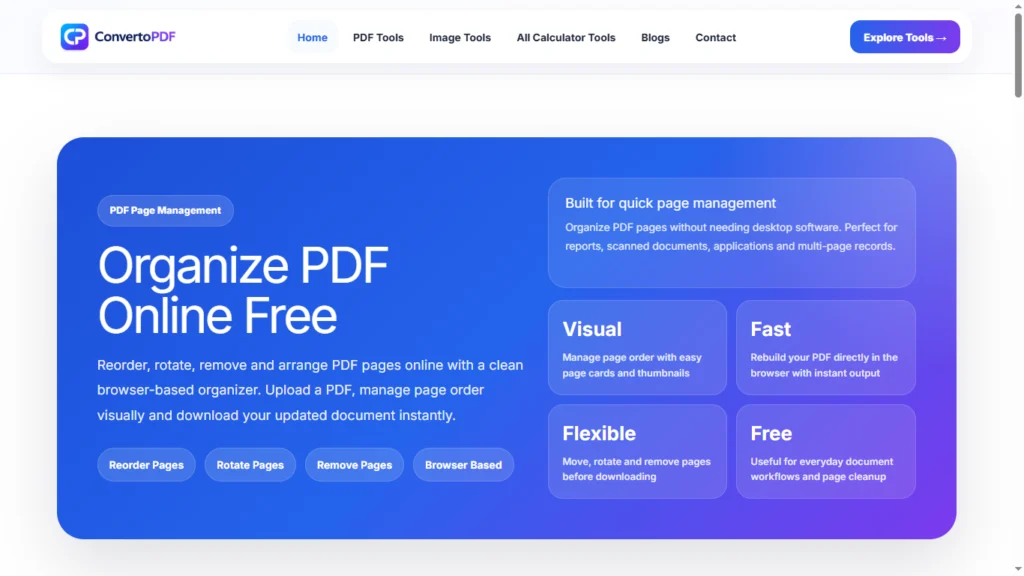
Organize PDF is the process of arranging, managing, and modifying PDF pages to create a more structured and professional document. Using an Organize PDF tool, users can reorder pages, rotate pages, remove unnecessary pages, and prepare documents exactly the way they need them.
PDF files are commonly used for business documents, assignments, reports, contracts, forms, and digital records. However, documents often contain pages in the wrong order or include pages that are no longer needed. An Organize PDF tool helps solve these issues quickly and efficiently.
Why Use an Organize PDF Tool?
Managing PDF documents manually can be time-consuming. An Organize PDF tool allows users to make changes without recreating the entire document.
Benefits include:
- Rearrange PDF pages instantly
- Remove unwanted pages
- Rotate incorrectly scanned pages
- Improve document structure
- Create professional PDF files
- Save time and effort
Whether you’re a student, professional, or business owner, organizing PDFs can significantly improve document management.
How Does Organize PDF Work?
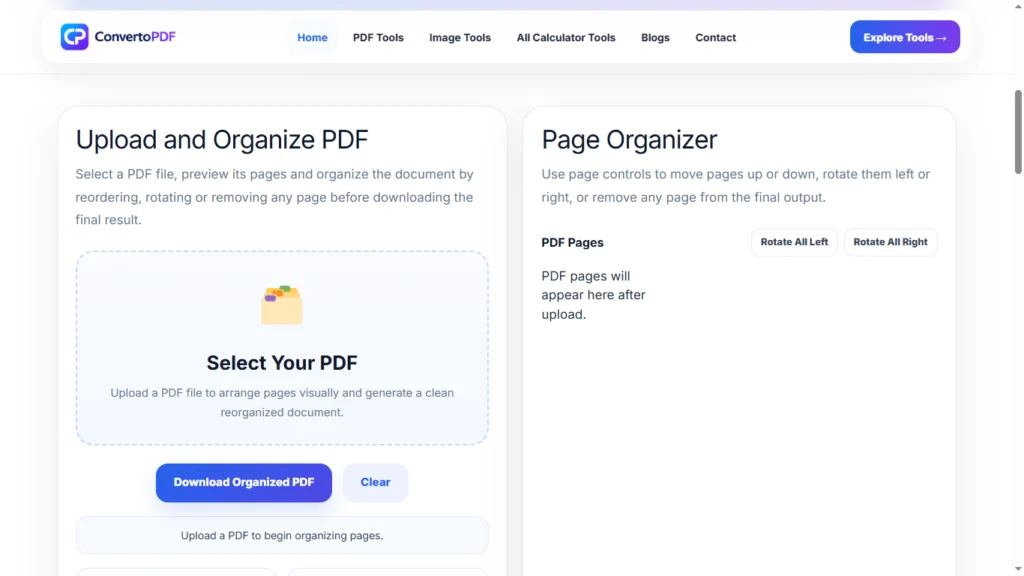
An Organize PDF tool allows users to upload a PDF file and modify the page arrangement.
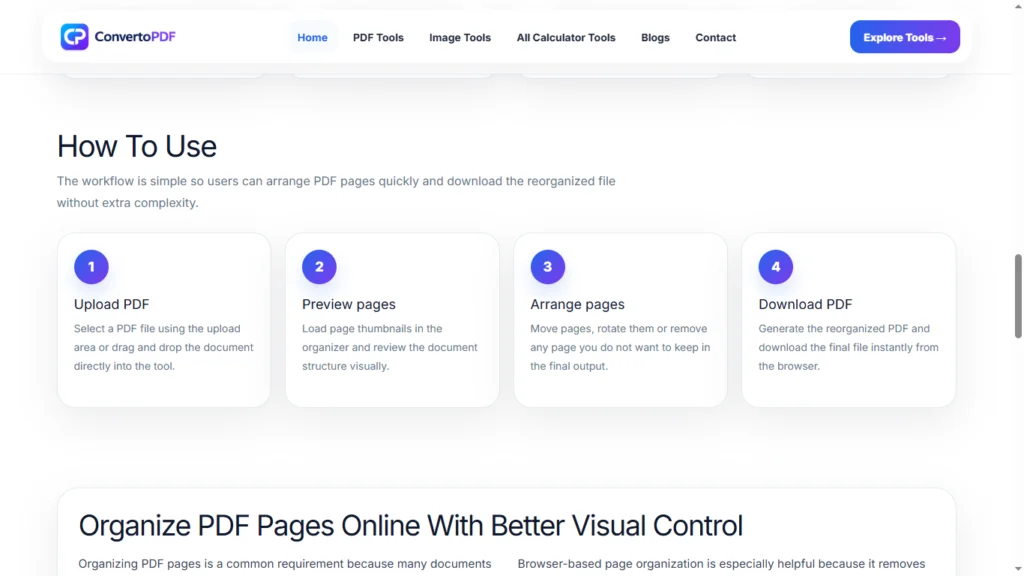
Typical actions include:
- Upload the PDF file.
- View all pages in thumbnail format.
- Drag and drop pages into the desired order.
- Delete unnecessary pages.
- Rotate pages if needed.
- Download the updated PDF.
The process is simple and usually takes only a few minutes.
Common Uses of Organize PDF
Students
Students often need to organize assignments, project reports, certificates, and academic documents before submission.
Job Applications
Applicants can arrange resumes, certificates, and supporting documents into a logical order before uploading them to recruitment portals.
Businesses
Businesses frequently organize contracts, reports, invoices, and presentations to improve document presentation.
Government Forms
Many government applications require supporting documents to be uploaded in a specific sequence. Organizing PDFs helps meet these requirements.
Features of an Organize PDF Tool
A good Organize PDF tool should provide:
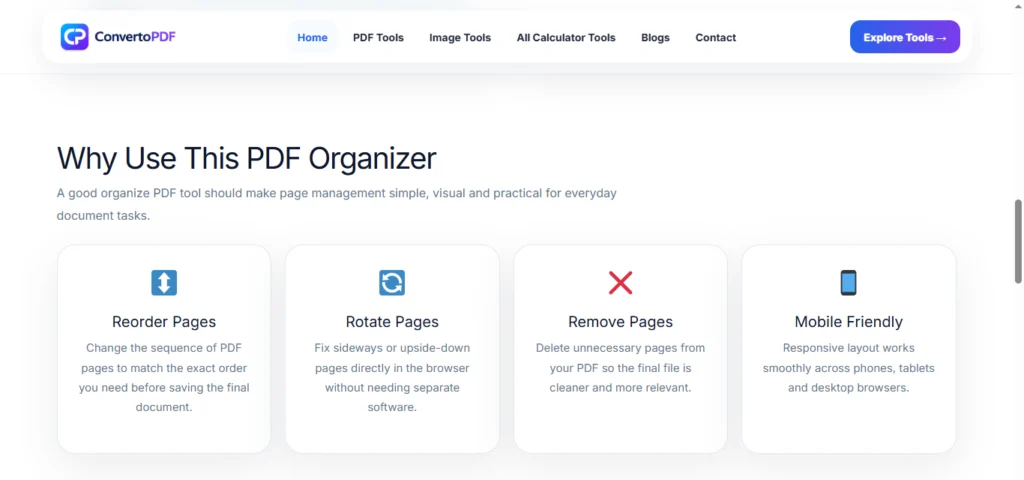
- Page reordering
- Page rotation
- Page deletion
- Easy drag-and-drop interface
- Fast processing
- Secure file handling
- Mobile compatibility
These features make document editing more convenient and efficient.
Benefits of Organizing PDF Files
Better Document Presentation
Well-organized documents appear more professional and easier to review.
Improved Workflow
Structured PDF files simplify document sharing and collaboration.
Easier Navigation
Users can locate information more quickly when pages are arranged properly.
Reduced Errors
Removing duplicate or unnecessary pages improves document accuracy.
Faster Submission
Organized PDFs help streamline uploads to online portals and document management systems.
Organize PDF for Students
Students regularly work with multiple academic documents. Organizing PDF files helps create professional project reports, assignments, and application packages.
Instead of submitting multiple documents separately, students can arrange everything into a clean and structured PDF file.
Organize PDF for Businesses
Businesses handle large volumes of digital documents every day.
Using an Organize PDF tool can help:
- Arrange client reports
- Manage contracts
- Structure presentations
- Prepare proposals
- Improve document workflows
This leads to better organization and improved productivity.
Organize PDF on Mobile Devices
Modern PDF tools work across multiple devices, including:
- Android smartphones
- iPhones
- Tablets
- Laptops
- Desktop computers
This allows users to organize PDF pages anytime and anywhere without installing additional software.
Tips for Organizing PDF Files
To create a professional document:
- Arrange pages logically.
- Remove duplicate pages.
- Rotate scanned pages correctly.
- Verify page order before downloading.
- Review the final PDF carefully.
These simple steps can improve document quality significantly.
Frequently Asked Questions
What does Organize PDF mean?
Organize PDF refers to rearranging, rotating, deleting, and managing PDF pages to improve document structure.
Can I reorder PDF pages online?
Yes. Most Organize PDF tools allow users to drag and drop pages into any order.
Can I delete pages from a PDF?
Yes. Unwanted pages can be removed before downloading the final document.
Is Organize PDF free?
Many online PDF organization tools are available free of charge.
Can I organize PDF files on my phone?
Yes. Most modern PDF tools work on smartphones, tablets, and desktop devices.
Conclusion
An Organize PDF tool helps users arrange, manage, and improve PDF documents quickly and efficiently. Whether you need to reorder pages, delete unnecessary content, rotate scanned pages, or prepare professional documents for submission, organizing PDFs can save time and improve document quality.
With a reliable Organize PDF tool, users can create well-structured documents that are easier to share, review, and manage across different devices and platforms.
Need More PDF & Image Tools?
Explore free online tools to compress PDFs, resize images, convert files, and optimize documents instantly.
Explore Tools →