
Signature Resize Online Free
Need to resize your signature image for an online form, government application, job portal, examination registration, or document submission? Our Signature Resize tool helps you quickly adjust the dimensions and file size of your signature image without compromising quality.
Many online portals require signatures to meet specific size and dimension requirements before uploading. Manually editing signature images using complex software can be time-consuming and frustrating. With our Signature Resize tool, you can resize your signature in just a few clicks directly from your browser.
Why Do You Need to Resize a Signature?
Many websites and application portals have strict requirements for signature uploads. Your signature may need to meet:
- Specific width and height dimensions
- Maximum file size limits
- JPG, JPEG, PNG, or WebP format requirements
- Online examination and recruitment standards
Resizing your signature correctly helps prevent upload errors and application rejections.
Features of Our Signature Resize Tool
Our online Signature Resize tool offers:
- Fast and accurate resizing
- Support for JPG, JPEG, PNG, and WebP formats
- High-quality output
- No software installation required
- Free and unlimited usage
- Works on mobile and desktop devices
- Secure browser-based processing
Whether you’re applying for a government job, university admission, passport application, or any online form, our tool helps you create a signature image that meets the required specifications.
How to Resize a Signature Online
Follow these simple steps:
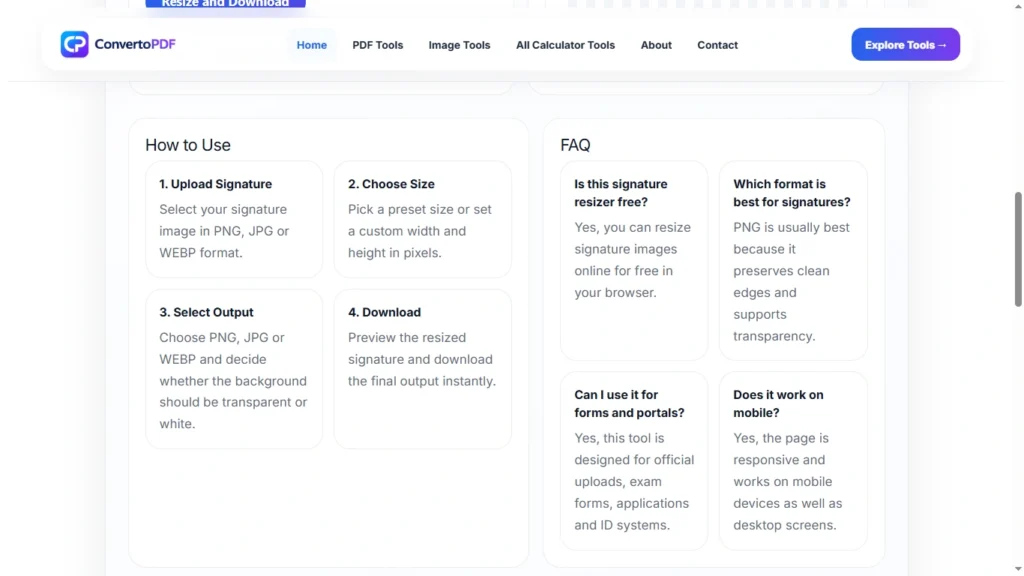
- Upload your signature image.
- Enter the required dimensions or file size.
- Click the resize button.
- Preview the result.
- Download the resized signature instantly.
The process takes only a few seconds and does not require any technical knowledge.
Benefits of Resizing a Signature Before Uploading
Using a properly resized signature image provides several benefits:
- Faster uploads
- Better compatibility with application portals
- Reduced file size
- Improved document appearance
- Fewer submission errors
A correctly optimized signature ensures that your application process goes smoothly.
Common Uses of Signature Resize
People commonly resize signatures for:
- Government application forms
- Job applications
- College admission forms
- Competitive exam registrations
- Banking and financial documents
- Digital document submissions
- Online verification portals
Signature Resize Without Losing Quality
One of the biggest concerns when resizing signatures is quality loss. Our tool uses advanced optimization techniques to maintain clarity and readability while adjusting the image dimensions and file size.
This ensures your signature remains sharp, professional, and acceptable for official use.
Frequently Asked Questions
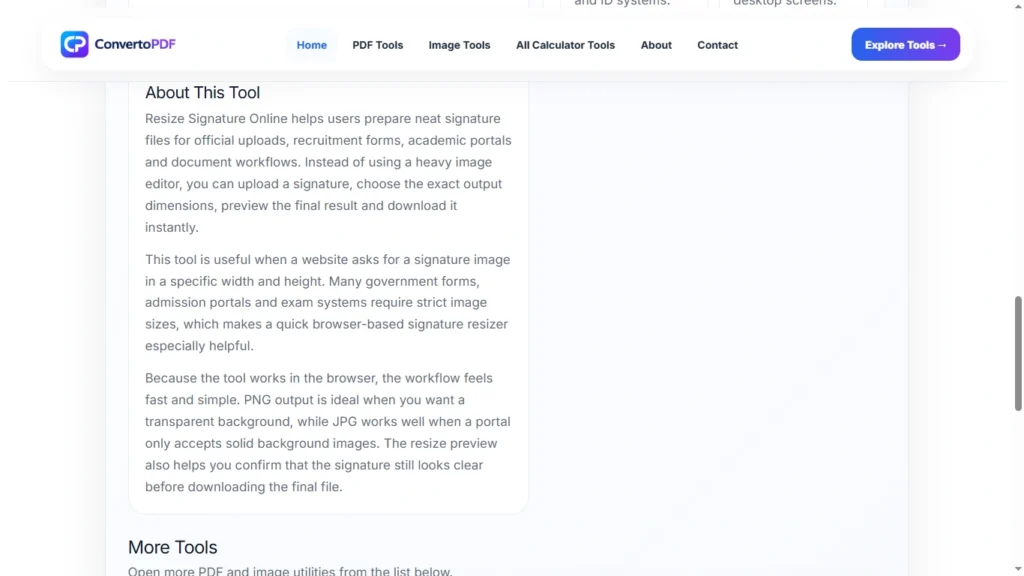
Can I resize my signature for free?
Yes, you can resize your signature online for free without creating an account.
Which image formats are supported?
The tool supports JPG, JPEG, PNG, and WebP formats.
Can I resize my signature on mobile?
Yes. The tool works on smartphones, tablets, laptops, and desktop computers.
Will the quality of my signature decrease?
The tool is designed to preserve the best possible quality while resizing the image.
Is it safe to upload my signature?
The tool processes images securely and is designed to provide a safe user experience.
Conclusion
Resizing a signature image should be simple, fast, and reliable. Whether you need a signature for a government form, job application, educational admission, or document submission, our Signature Resize tool helps you create the perfect signature image in seconds. Try it today and resize your signature online quickly and easily.
Need More PDF & Image Tools?
Explore free online tools to compress PDFs, resize images, convert files, and optimize documents instantly.
Explore Tools →