
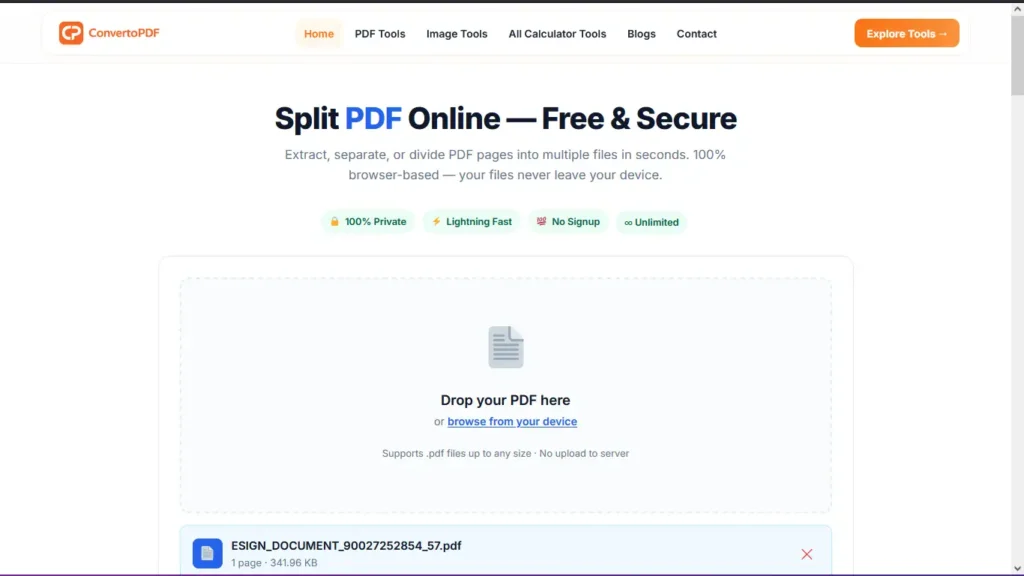
Split PDF Online Free
PDF files are one of the most popular document formats used for education, business, and personal purposes. However, there are times when you don’t need the entire document—you only need specific pages. Instead of sharing a large PDF, you can use a Split PDF tool to extract the pages you need in just a few clicks.
The ConvertoPDF Split PDF Tool lets you split PDF files online quickly, securely, and without installing any software. Whether you want to separate chapters from an eBook, extract invoices, save selected pages from a report, or remove unnecessary pages, our tool makes the process simple and efficient.
What is a Split PDF Tool?
A Split PDF tool allows you to divide a single PDF document into multiple smaller PDF files or extract selected pages into a new PDF. This helps you organize documents better and share only the information that is required.
For example, if you have a 100-page PDF but only need pages 10–20, you can easily extract those pages instead of sending the complete file.
Why Should You Split PDF Files?
Splitting PDF files offers several advantages for both personal and professional use.
- Share only the required pages.
- Reduce document size.
- Organize large PDF files.
- Remove unnecessary pages.
- Create separate documents for different purposes.
- Improve document management.
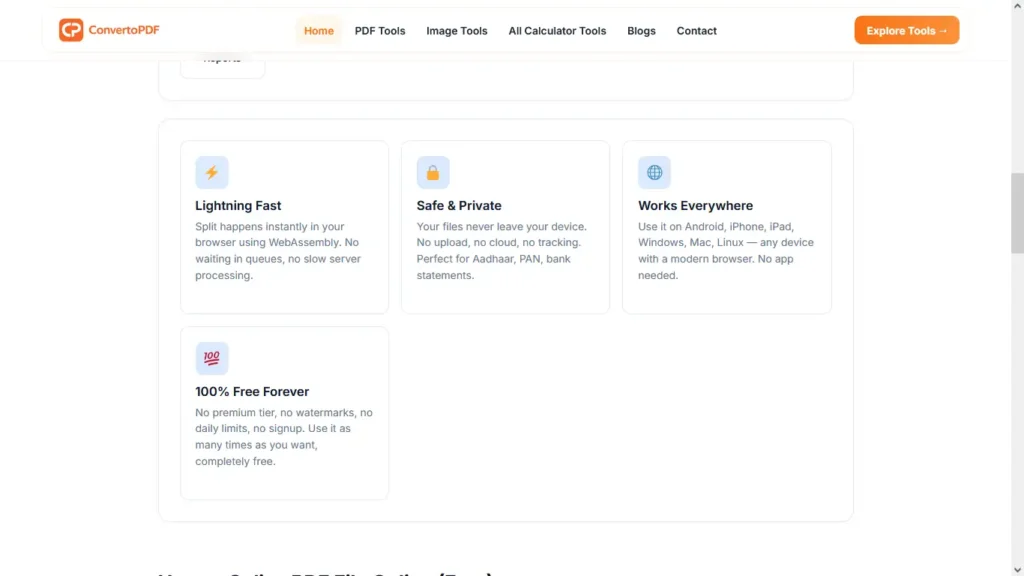
Students, teachers, office professionals, lawyers, accountants, and businesses regularly use PDF splitting tools to simplify their work.
How to Split PDF Online
Using ConvertoPDF is easy and requires only a few simple steps.
Step 1: Upload Your PDF
Open the Split PDF tool and upload the PDF document from your computer or mobile device.
Step 2: Select Pages
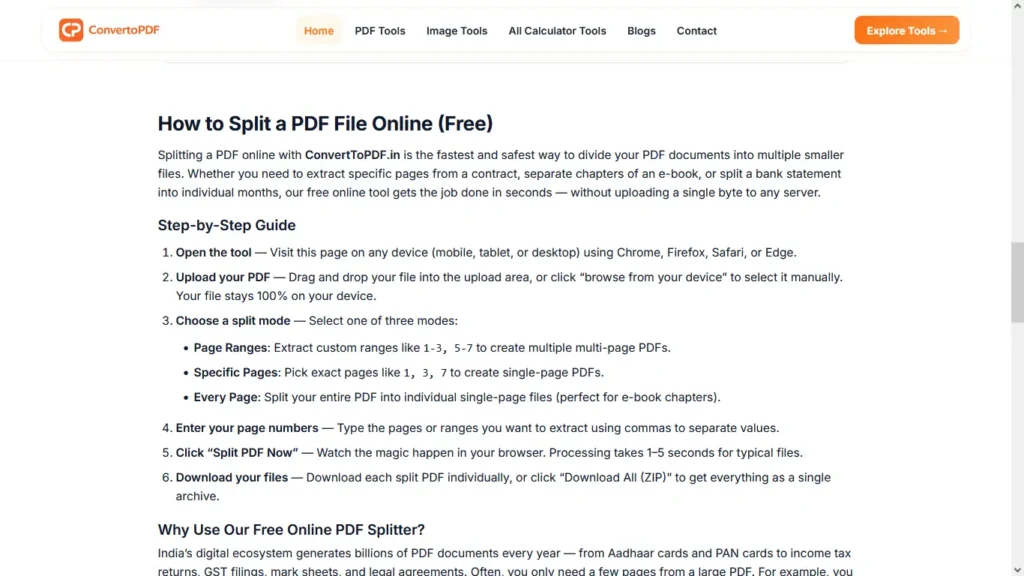
Choose the page numbers or page range that you want to extract. You can split a single page, multiple pages, or create separate PDF files from different sections.
Step 3: Click Split PDF
Press the Split PDF button to begin processing your document.
Step 4: Download Your File
Once the process is complete, download the newly created PDF containing only the selected pages.
The entire process takes only a few seconds.
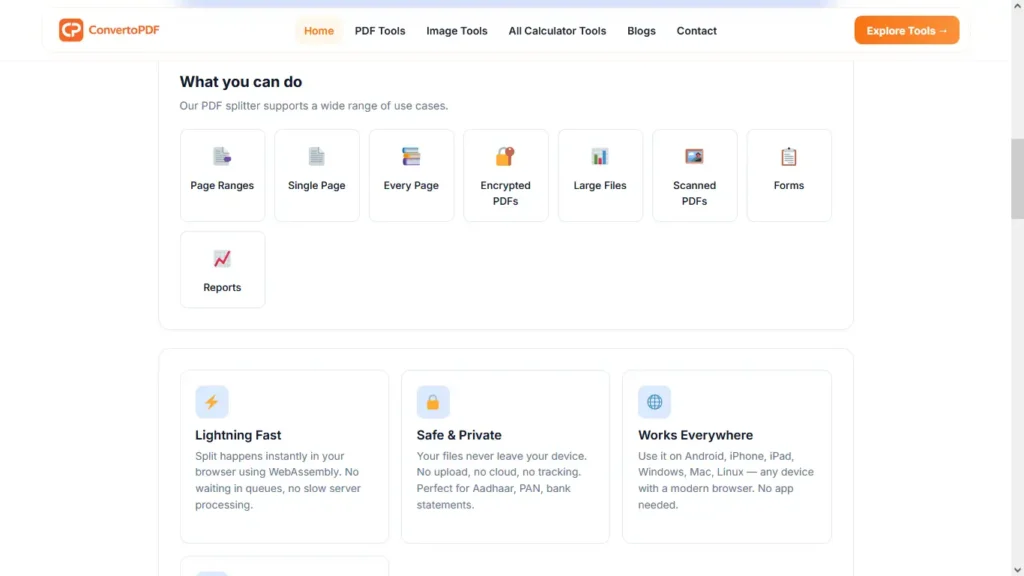
Features of ConvertoPDF Split PDF Tool
ConvertoPDF is designed to provide a smooth and reliable experience for every user.
- Fast PDF processing
- High-quality output
- No software installation
- No registration required
- Secure document handling
- Mobile-friendly interface
- Works on Windows, Mac, Linux, Android, and iPhone
- Simple drag-and-drop upload
- Free to use
Whether you’re splitting one page or multiple sections, the original formatting, fonts, images, and layout remain unchanged.
Common Uses of Split PDF
A Split PDF tool is useful in many real-life situations.
Students
Extract assignment pages, study notes, research chapters, or project sections before submission.
Office Professionals
Separate reports, invoices, contracts, presentations, or meeting documents for easier sharing.
Businesses
Create individual PDFs for clients, departments, or employees without editing the original document.
Teachers
Split question papers, worksheets, answer keys, or study materials into separate files.
Personal Use
Organize travel documents, medical reports, bank statements, insurance papers, or scanned records.
Is It Safe to Split PDF Online?
Yes. ConvertoPDF processes your PDF files securely, helping protect your personal and professional information. You don’t need to install any software or create an account, making the process both convenient and secure.
Tips Before Splitting a PDF
To get the best results, keep these tips in mind:
- Check page numbers before splitting.
- Review the extracted PDF after downloading.
- Keep a backup of the original document.
- Use meaningful filenames for better organization.
- Compress the new PDF if you need a smaller file size.
Related PDF Tools
After splitting your PDF, you may also find these tools useful:
- Merge PDF – Combine multiple PDF files into one document.
- Compress PDF – Reduce file size for faster sharing.
- PDF to Word – Convert PDF into an editable Word document.
- Word to PDF – Convert Word files into PDF format.
- Protect PDF – Add password protection to sensitive files.
- Unlock PDF – Remove password protection when authorized.
- Rotate PDF – Correct the orientation of PDF pages.
Using these tools together makes PDF management faster and more efficient.
Frequently Asked Questions
Can I split PDF files for free?
Yes. ConvertoPDF allows you to split PDF files online without any cost.
Will splitting a PDF reduce quality?
No. The original formatting, images, and text quality remain unchanged.
Can I split PDF files on my phone?
Yes. The tool works perfectly on Android and iPhone browsers.
Do I need to install software?
No. Everything works directly in your web browser.
Can I extract only one page?
Yes. You can extract a single page or multiple pages as needed.
Conclusion
Splitting a PDF file doesn’t have to be complicated. With the ConvertoPDF Split PDF Tool, you can extract specific pages from any PDF quickly, securely, and without installing additional software. Whether you’re a student, professional, teacher, or business owner, splitting PDF files helps you stay organized and share only the information that matters.
Try ConvertoPDF today to split PDF files online for free and manage your documents more efficiently.
Need More PDF & Image Tools?
Explore free online tools to compress PDFs, resize images, convert files, and optimize documents instantly.
Explore Tools →