
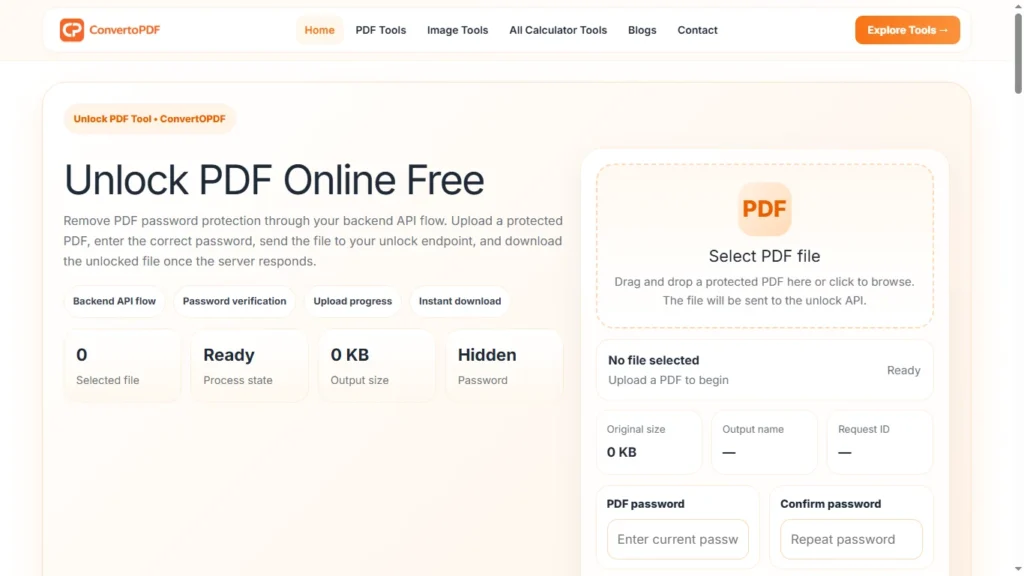
What Is Unlock PDF?
Unlock PDF is the process of removing password protection from a PDF document so that it can be opened, viewed, printed, copied, or edited without repeatedly entering a password. If you know the password to a PDF but don’t want to enter it every time, an online PDF unlock tool can help remove the protection quickly and securely.
Password protection is useful for keeping confidential documents safe, but it can become inconvenient when you need to access the same file frequently. An Unlock PDF tool simplifies this process by allowing authorized users to remove password restrictions from their documents.
Why Use an Unlock PDF Tool?
Many PDF files are protected with passwords to prevent unauthorized access. However, there are situations where removing the password is more convenient, especially if you’re the document owner or have permission to edit it.
Common reasons to unlock a PDF include:
- Avoid entering the password repeatedly
- Print password-protected documents
- Copy text from a secured PDF
- Edit PDF files more easily
- Share documents with authorized users
- Improve workflow for frequently used files
An Unlock PDF tool saves time while making document management much more convenient.
How Does Unlock PDF Work?
Unlocking a PDF is simple and usually takes just a few steps.
- Upload your password-protected PDF.
- Enter the correct password.
- Click the Unlock PDF button.
- Wait while the file is processed.
- Download the unlocked PDF.
Once completed, the PDF can be opened without entering the password again, provided you had the correct password to begin with.
Benefits of Unlocking a PDF
Faster Access
You won’t need to type the password every time you open the document.
Easier Editing
Unlocked PDFs can be edited more conveniently using compatible PDF editing tools.
Simple Sharing
Authorized users can access the document without repeatedly requesting the password.
Improved Productivity
Removing unnecessary restrictions makes it easier to manage frequently used documents.
Better Workflow
Businesses, students, and professionals can organize documents more efficiently when password prompts are removed.
Common Uses of Unlock PDF
An Unlock PDF tool is useful in many everyday situations.
Students
Students often receive password-protected study materials, notes, and assignments. Unlocking authorized files makes them easier to access during studies.
Job Seekers
Applicants may need to unlock resumes, certificates, or supporting documents before submitting them to online portals.
Business Professionals
Businesses frequently work with reports, invoices, contracts, and presentations. Removing passwords from authorized documents can simplify internal workflows.
Government Documents
Some official documents are password-protected for security. Once authorized access is available, users may wish to remove the password for easier future use.
Is It Safe to Unlock a PDF Online?
Using a trusted online PDF unlock tool can be a convenient way to remove password protection from documents that you own or are authorized to access.
For security reasons, you should only unlock PDFs when you have permission to do so. Removing protection from someone else’s document without authorization may violate their rights or the intended security of the file.
Features of a Good Unlock PDF Tool
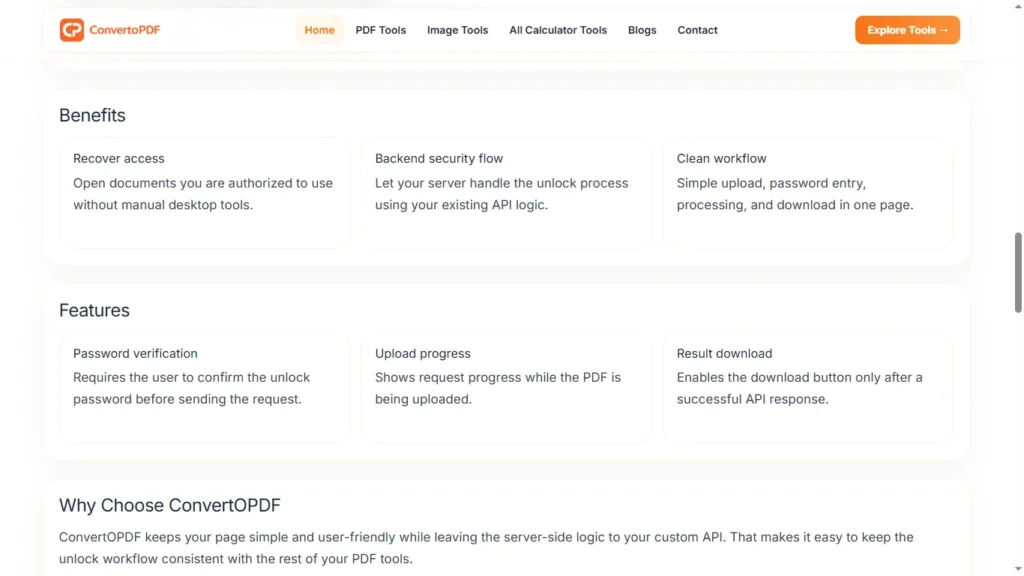
A reliable Unlock PDF tool should provide:
- Fast processing
- Secure file handling
- Easy-to-use interface
- Support for password-protected PDFs
- High-quality output
- Mobile compatibility
- No software installation
These features ensure that users can unlock documents quickly and efficiently.
Unlock PDF on Mobile Devices
Modern PDF tools work directly in your browser, making it easy to unlock documents on:
- Android phones
- iPhones
- Tablets
- Laptops
- Desktop computers
This means you can remove password protection anytime without downloading additional applications.
Tips Before Unlocking a PDF
To ensure a smooth experience:
- Verify that you know the correct password.
- Make sure you have permission to remove the password.
- Keep a backup copy of the original protected PDF.
- Review the unlocked document before sharing it.
These simple steps help protect your documents while improving accessibility.
Frequently Asked Questions
What is an Unlock PDF tool?
An Unlock PDF tool removes password protection from a PDF document after the correct password is provided.
Can I unlock a PDF without the password?
If a PDF is protected with an opening password, you generally need the correct password to remove that protection.
Is Unlock PDF free?
Many online PDF tools allow users to unlock PDFs for free.
Can I unlock PDFs on my phone?
Yes. Most browser-based PDF tools work on Android and iPhone devices.
Does unlocking a PDF reduce quality?
No. Unlocking a PDF only removes password protection and does not change the document’s content or quality.
Why Use an Online Unlock PDF Tool?
Online tools make it easy to remove password protection without installing software. Users can unlock PDFs from any device, save time, and manage documents more efficiently.
Whether you’re working with study materials, business reports, contracts, or personal documents that you are authorized to access, an online Unlock PDF tool offers a fast and convenient solution.
Conclusion
An Unlock PDF tool is a practical solution for removing password protection from PDF files that you own or have permission to access. It simplifies document management by eliminating the need to enter passwords repeatedly while preserving the original document quality.
Whether you’re a student, professional, business owner, or everyday user, unlocking authorized PDF files can improve productivity and make document access much more convenient. With a secure and user-friendly online tool, you can remove password protection in just a few clicks and continue working with your PDF files effortlessly.
Need More PDF & Image Tools?
Explore free online tools to compress PDFs, resize images, convert files, and optimize documents instantly.
Explore Tools →